Features
What it does today
Everything listed here works today.
PDF and label printers
Send a PDF, or raw ZPL, EPL or ESC/POS for label printers.
Printers by name
You name the printer. We print only on printers the agent has reported.
Documents in order
Send a certificate, its worksheet and its labels together. They print in order, all or nothing.
Identity on every page
Add a job label, a QR code or a page number. Your document is not changed.
Test mode
A test key prints on a virtual printer. Nothing is printed, and test jobs are never counted.
Scales
Read the last weight of a serial scale. USB scales are not supported yet.
The agent and your printers
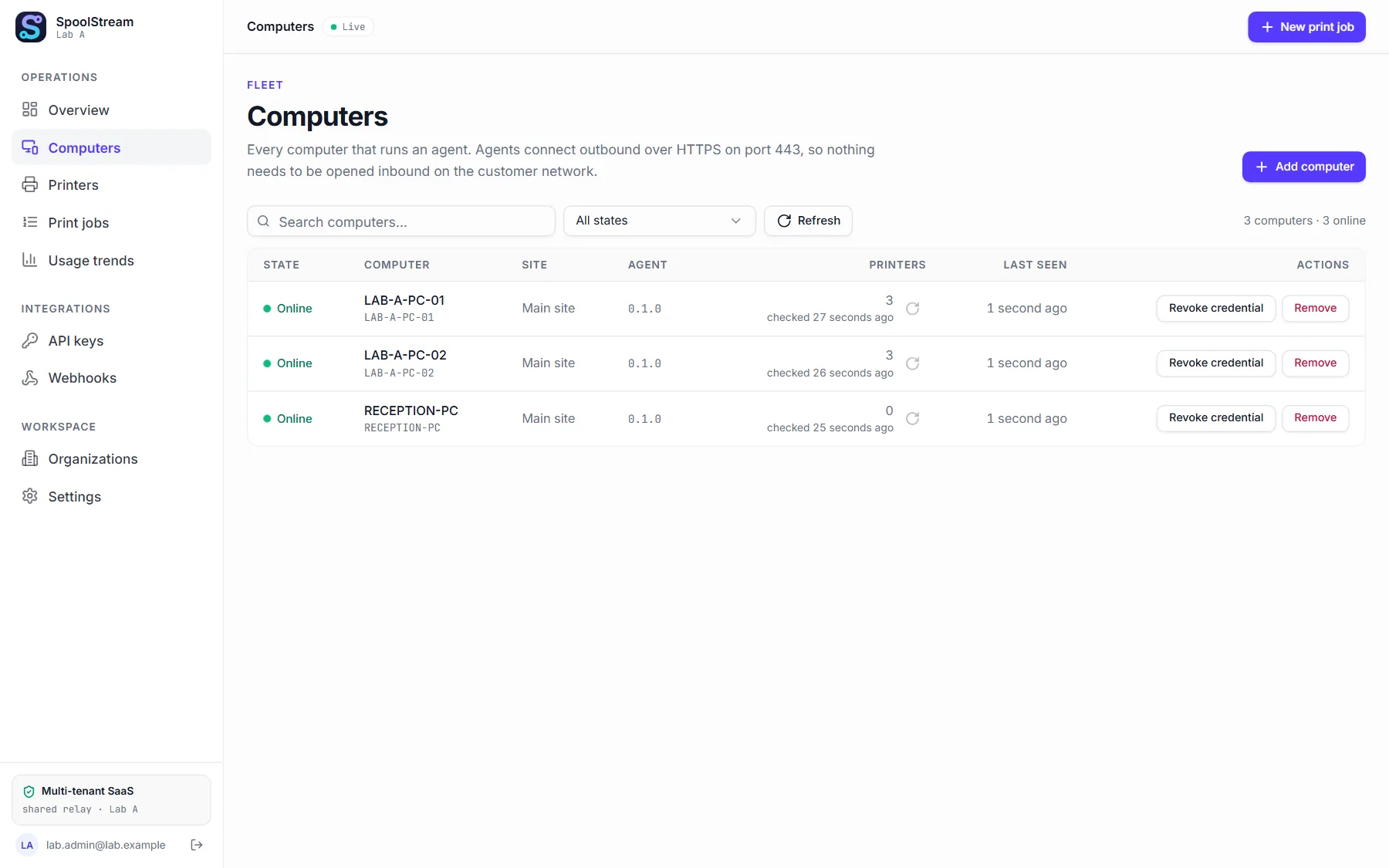
Outbound only
No inbound port and no firewall change.
Windows and Linux
The agent runs on both. macOS comes later.
Updates itself
The Windows agent updates itself and puts the old version back if the new one fails. You can turn it off.
Survives a network drop
Accepted jobs still print, and report afterwards.
A PDF printer
Saves the PDF in a folder, or on Windows asks the person at the computer where to save it. No driver.
Hide printers
Hide a queue nobody prints on. It leaves the lists and takes no new job.
Trust the result
An honest ending
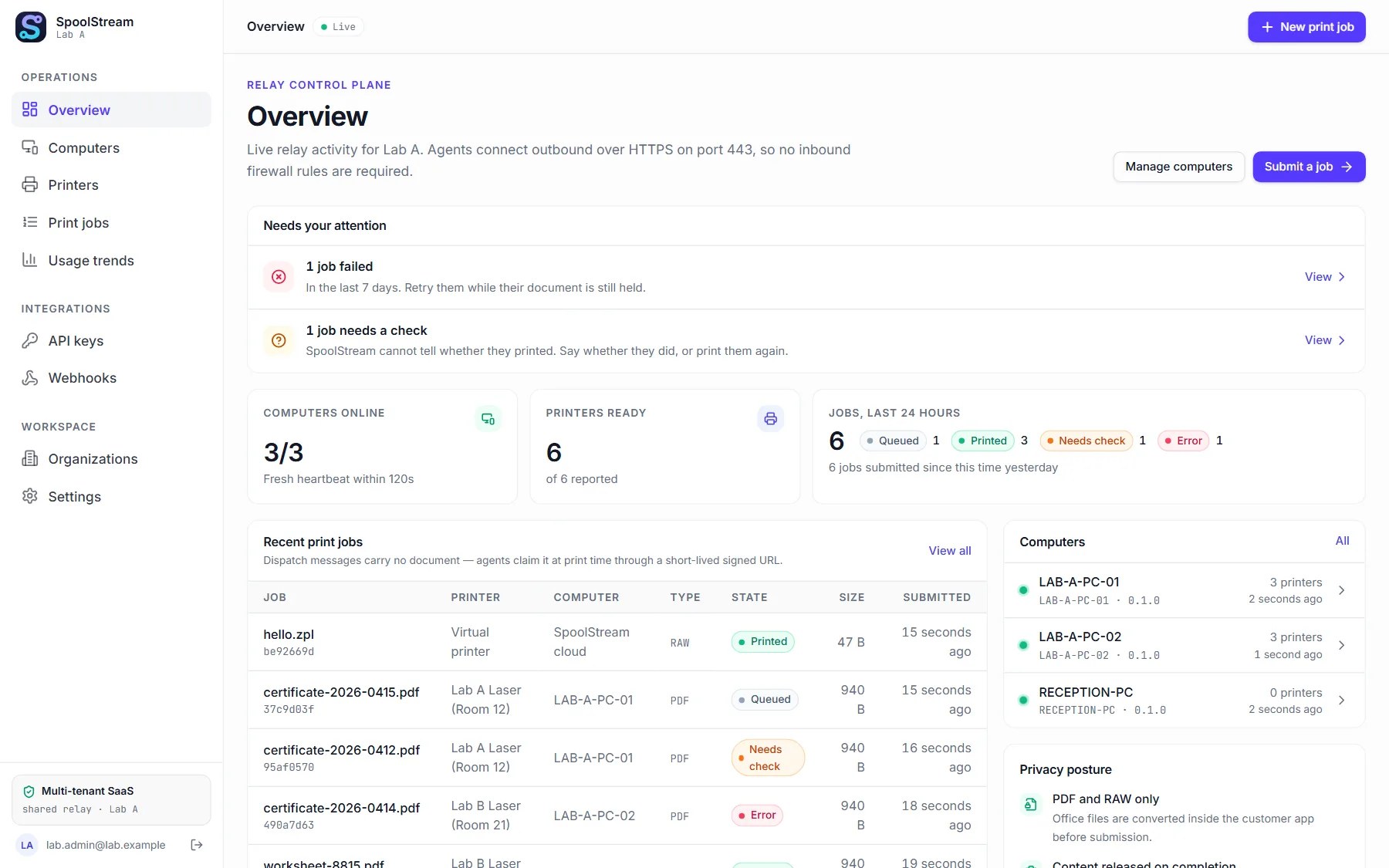
Printed, failed or uncertain. “Printed” means the system reported the job complete.
Never twice by itself
Send a key with the job: a repeat within 24 hours returns the first job.
Errors you can act on
Each error has a code, a cause and a fix.
Evidence report
Download a sealed report for any job. It shows tampering; it is not a legal signature.
Audit trail
Sign-ins and admin actions are logged, and the database refuses to change them.
Exports
Export evidence reports as a zip, read the audit trail through the API, download the monthly usage.
Run it safely
Roles and sign-in
Email with a code, Google, Microsoft or your own single sign-on. Owner, admin, operator or viewer.
Organizations apart
One organization can never read or change another's data.
Short retention
By default, documents are deleted 24 hours after a job ends.
Hosted in Toronto
The app and the database run in Canada. The document store is not guaranteed to stay there.
Delete everything
An owner can delete the organization. Everything is erased 30 days later, and you can restore it before.
SpoolStream holds no security or compliance certification, and this site claims none. Read the security page